
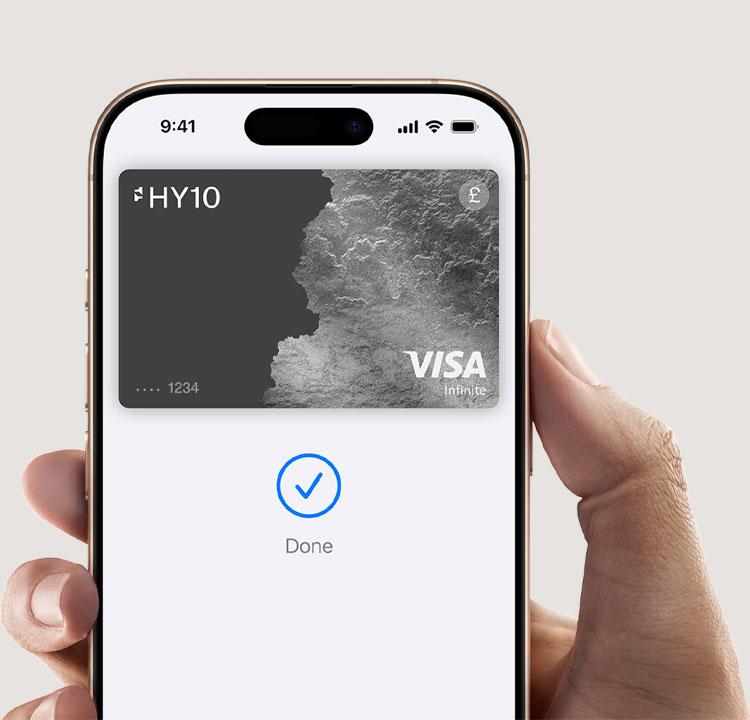
Your iPhone is now
your HY10 card.
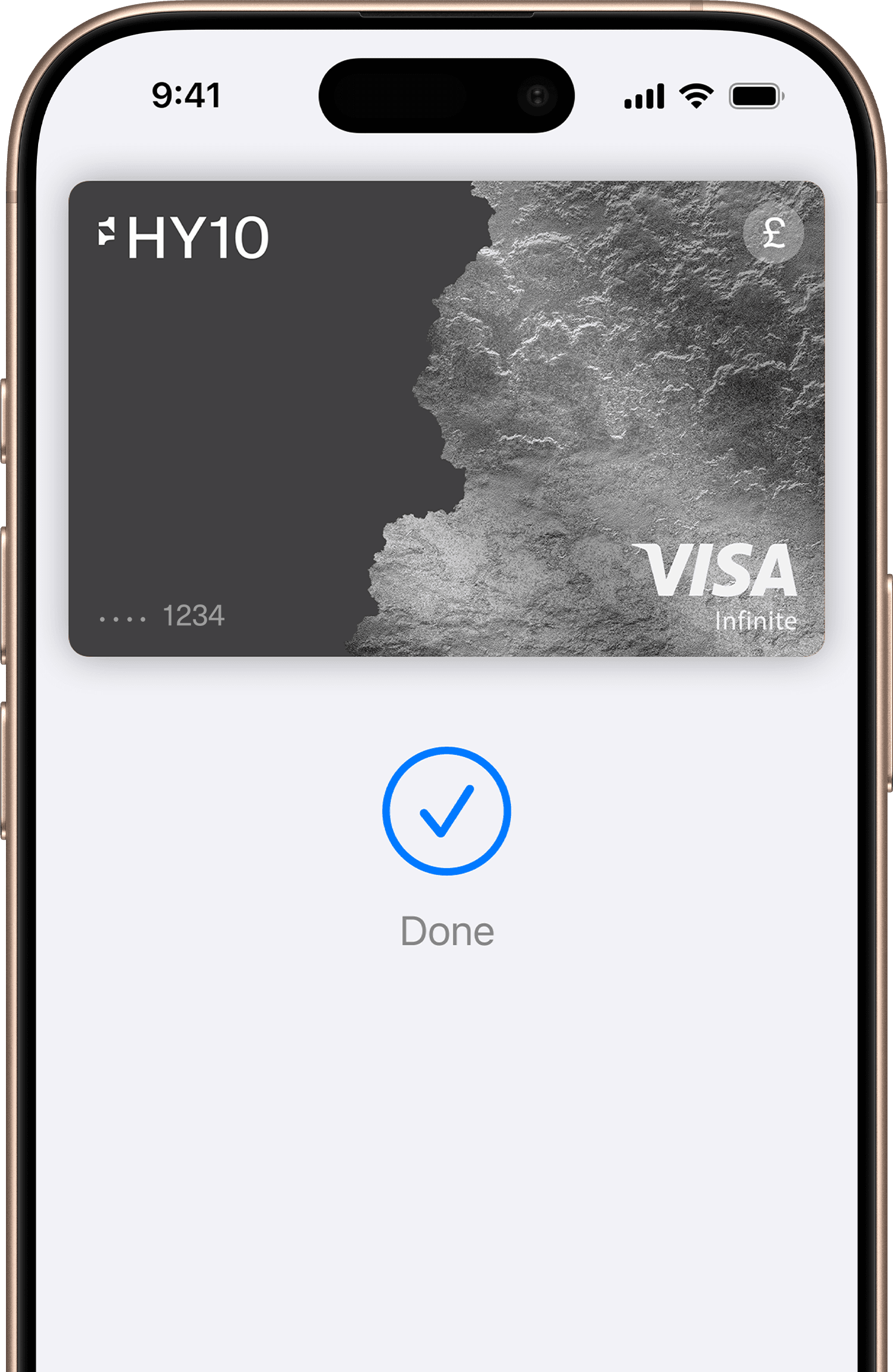
Use Apple Pay wherever you see one of these symbols.

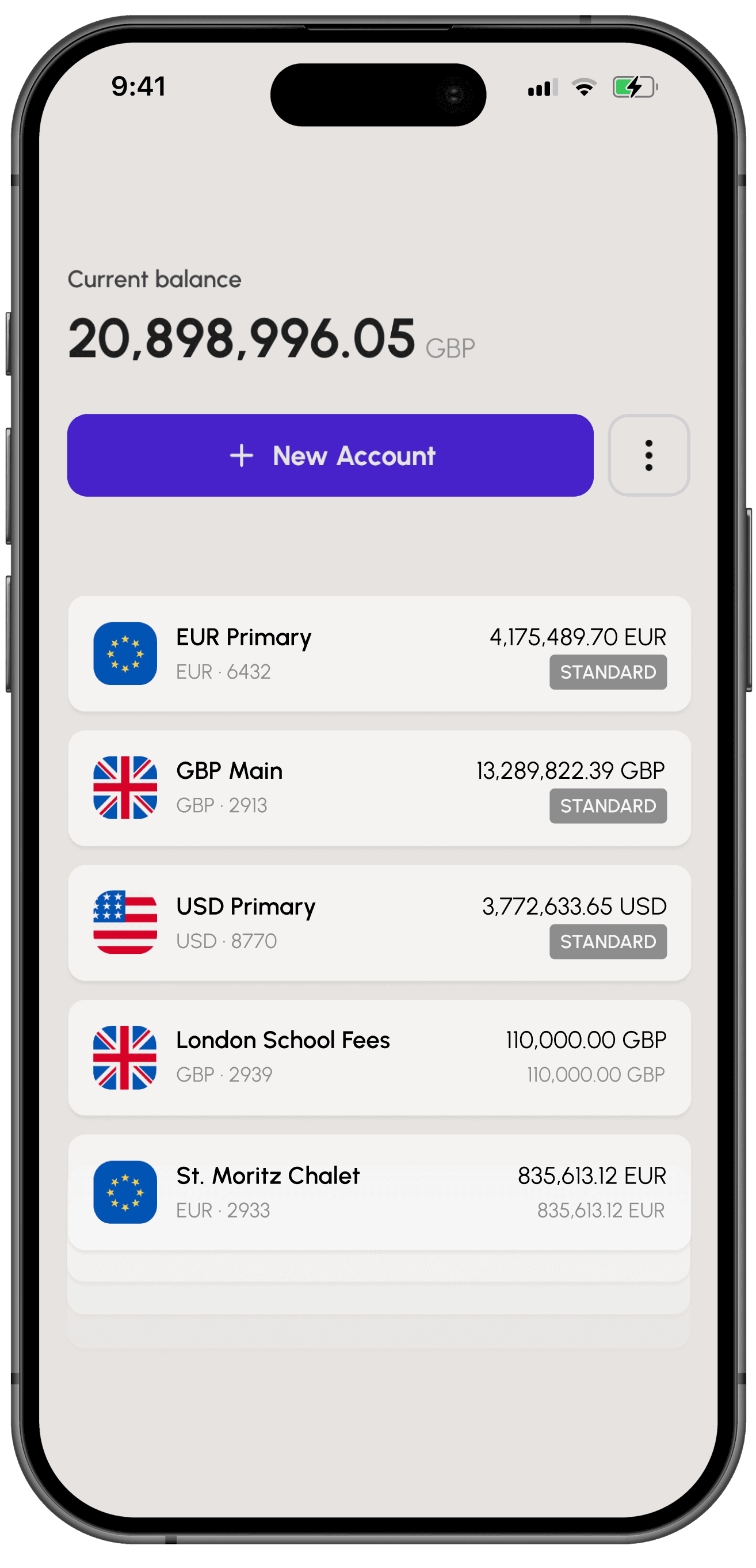

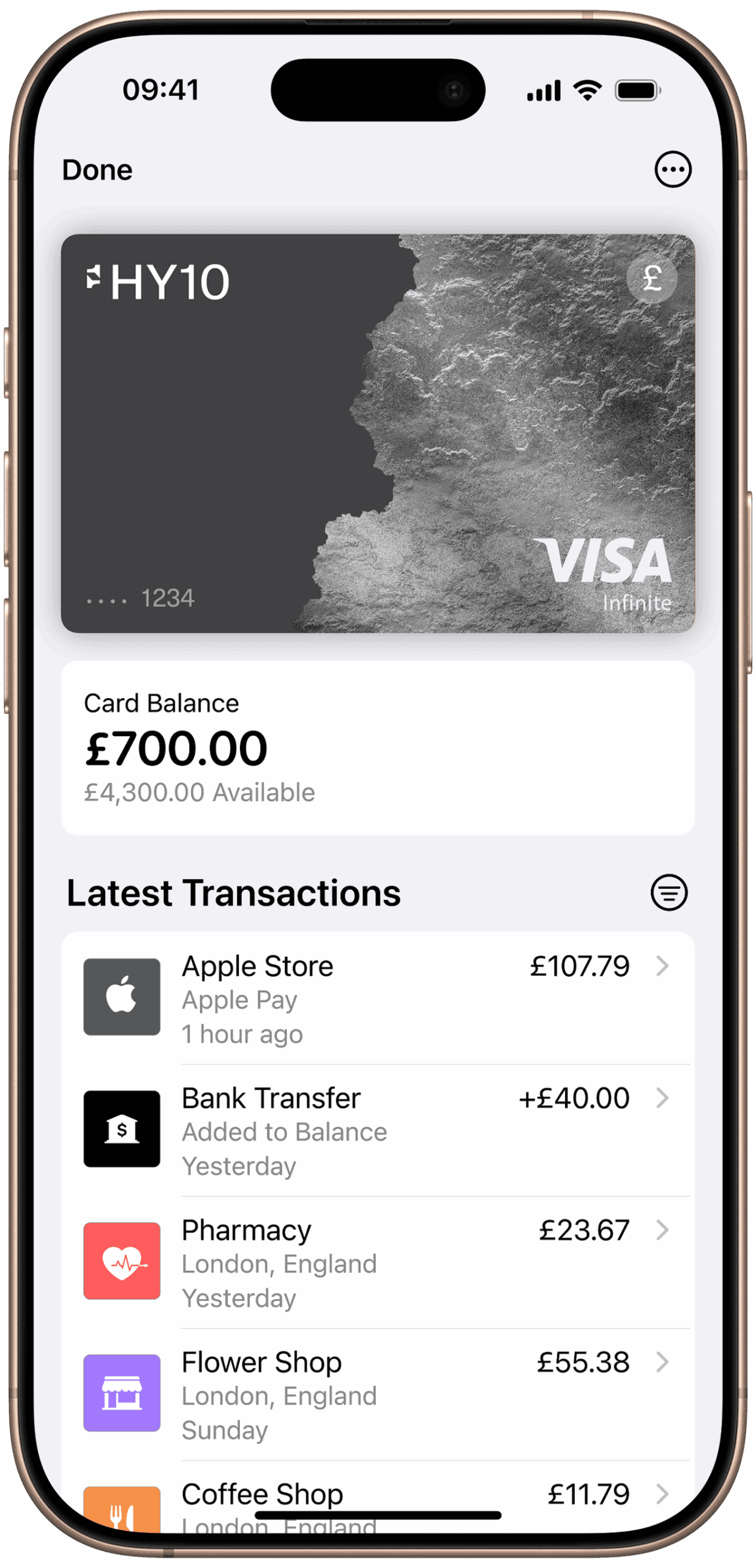
Designed to be secure. So only you can pay.
Every Apple Pay transaction requires authentication through your device’s built-in security features — including Face ID, Touch ID and your passcode. Your debit or credit card number is never shared with merchants or stored on Apple servers. And if you misplace your iPhone, you can quickly mark it as lost in Find My to suspend your HY10 card.
How to add a card
Add your HY10 card in a few steps.
FAQs
- iPhone: Apple Pay works with iPhone 6 and later in stores, apps and websites in Safari
- Apple Watch: in stores and apps (requires iPhone 6 or later)
- iPad: iPad Pro, iPad (5th generation), iPad Air 2, and iPad mini 3 and later in apps and websites in Safari
- Mac: Mac (2012 or later) in Safari with an Apple Pay–enabled iPhone or Apple Watch.
A full list of Apple Pay compatible devices can be found at http://support.apple.com/km207105
- Open iPhone, open Apple Wallet and tap the “+” sign.
- For Apple Watch, open the Apple Watch app on your iPhone and select ‘Wallet & Apple Pay,’ then tap ‘Add Credit or Debit Card.’
- On iPad, go to Settings, open ‘Wallet & Apple Pay’, and select ‘Add Credit or Debit Card.’
- On MacBook Pro with Touch ID, go to System Preferences, select ‘Wallet & Apple Pay’, then select ‘Add Card.’
Open Apple Wallet on your iPhone, hold your HY10 card and drag it to the front.
If your phone’s been lost or stolen, use Find Myto lock it. You can then secure it with a new password, or erase your personal data.
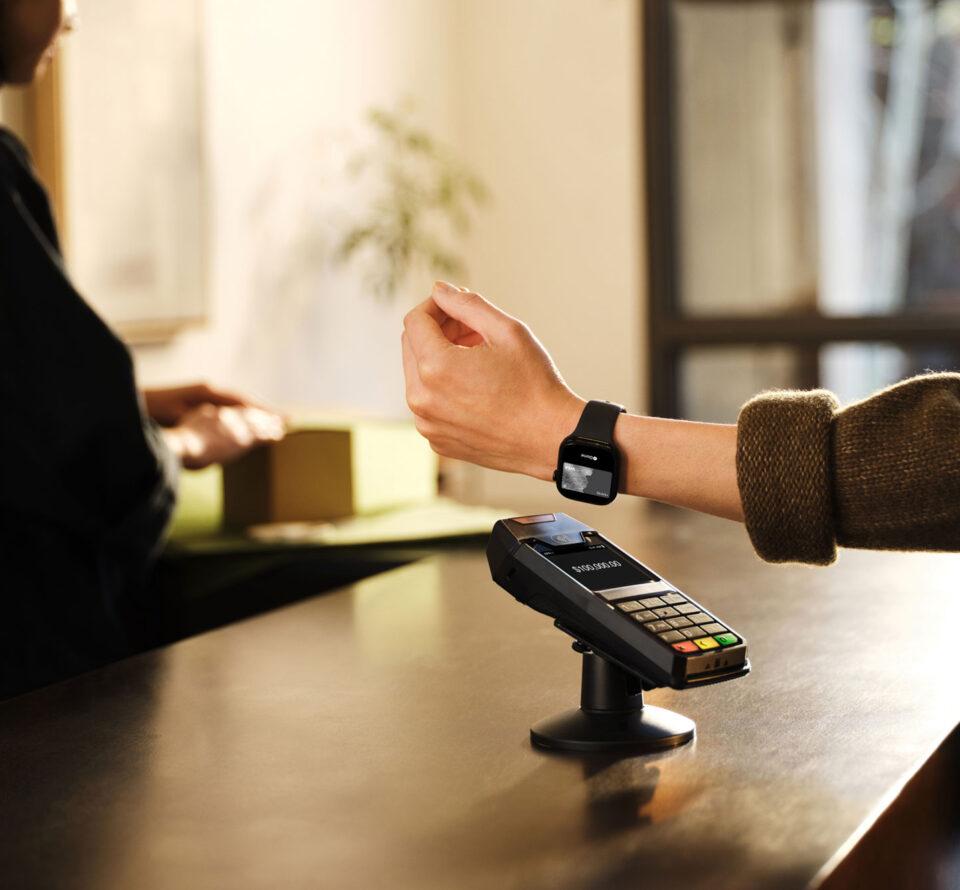
Apple Pay can be used anywhere that accepts contactless payments, on transport and in shops, restaurants and cafes around the world.
Legal Disclaimers
Apple Pay in More Browsers: Available with participating merchants on compatible browsers. Compatible browsers require WebSocket support. This feature is not available in all markets. Software requirements apply. To ensure you have all features of this product, update your iPhone or iPad to the latest software version. Pay Over Time on Apple Pay: Loans not offered by Apple. Subject to eligibility requirements and approval. Not available in all markets, and may not be available for all types of purchase, such as subscriptions and recurring transactions. Available with Apple Pay online and in apps, on iPhone or iPad. Not available in-store. Software requirements apply. Additional terms may apply. For more eligibility and feature details, see https://support.apple.com/120477. Apple Pay is a service provided by Apple Payments Services LLC, a subsidiary of Apple Inc. Neither Apple Inc. nor Apple Payments Services LLC is a bank. Any card used in Apple Pay is offered by the card issuer. To use Apple Pay, you need a supported card from a participating card issuer. To check if your card is compatible with Apple Pay, contact your card issuer. Apple Pay is not available in all markets. See apple.com/uk/ios/feature-availability/#apple-wallet-apple-pay for more information. Features are subject to change. Some features, applications and services may not be available in all regions or all languages and may require specific hardware and software. See apple.com/uk/ios/feature-availability/#apple-wallet-apple-pay for more information.
Unlimited.
Understood.
Seamless finance and lifestyle tools, made for the few.